Using SoftSDC
The SoftSDC user guide for cashiers and business owners. Learn the home screen, actions menu, notifications, settings and daily routine.
This guide shows you how to use the SoftSDC app day to day. It covers both Windows and Android. Where they differ, the page says so.
Guide pages
Getting started
First launch, license, card reader, smart card and PIN.
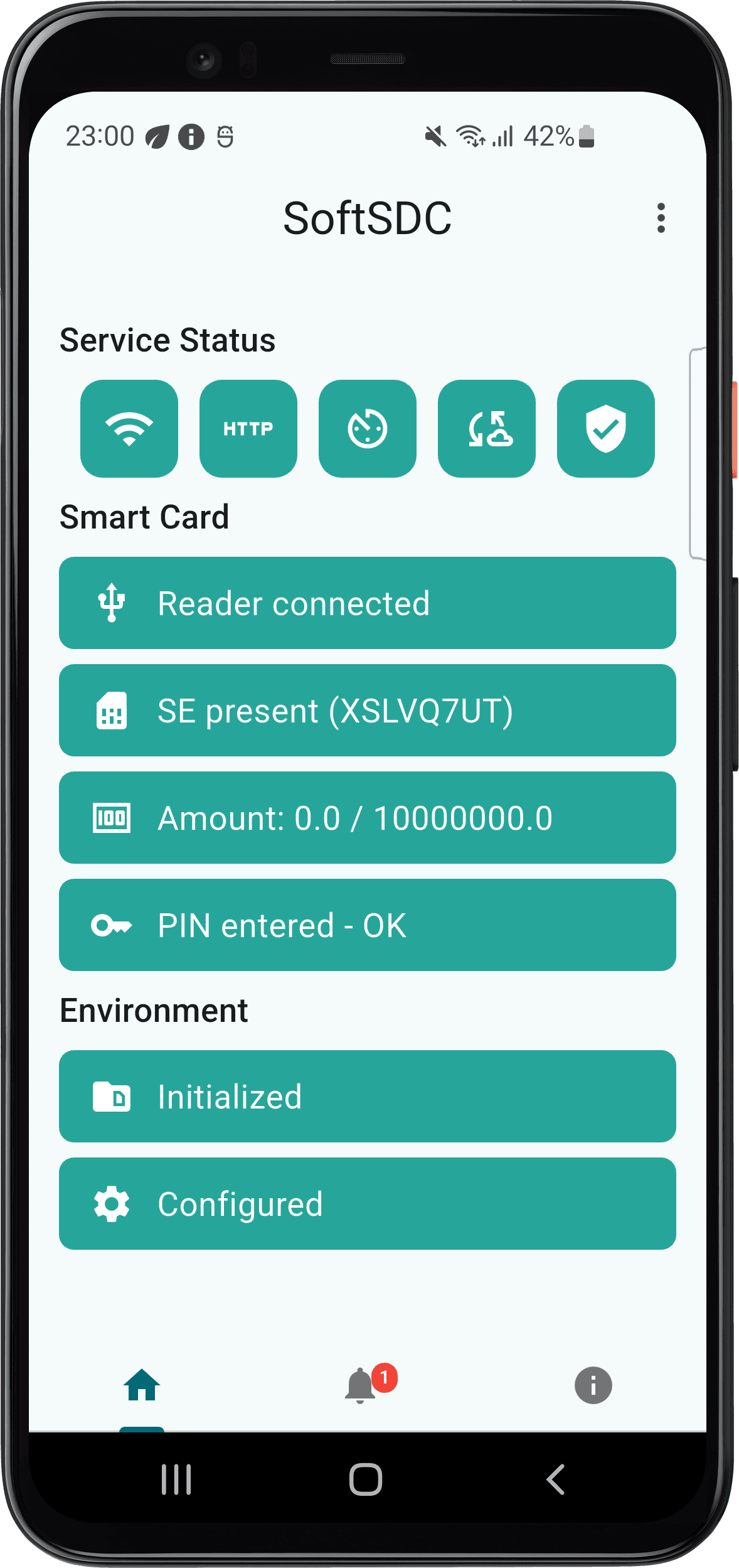
Home screen
What the status tiles and colors mean.
Actions menu
PIN, restart, commands, audits and test invoices.
Notifications
Alert levels and where to find past messages.
Settings
Reader, API port, logging and display options.
About screen
Version, license and device details for support.
Exiting and uninstalling
Stop the service, uninstall and reinstall safely.
Daily routine
What to check at the start and end of each day.
Before you begin
- SoftSDC is installed. See installation.
- You have a trial or a license. See licensing.
- You have your Tax Authority smart card and its PIN.
Other help
- FAQ for quick answers
- Troubleshooting for common problems
- API reference if you connect a POS yourself
- Support to open a ticket
Licensing and activation
How SoftSDC licenses work. Start the 7-day free trial, buy or renew a license, activate it, check its status, and move or reinstall it.
Getting started
Launch SoftSDC for the first time, choose a trial or license, connect your card reader, insert your smart card, enter your PIN and test it.