Licensing and activation
How SoftSDC licenses work. Start the 7-day free trial, buy or renew a license, activate it, check its status, and move or reinstall it.
How licensing works
| Topic | Rule |
|---|---|
| Devices | One license per device. Each license is locked to the device it is activated on. |
| Free trial | 7 days, all features, no payment card. It ends on its own. |
| Terms | 1, 2 or 3 years. See pricing. |
| Renewal price | The same as a new license for the same term. |
| Support | Included for the whole license term. |
| Updates | Software updates do not change your license validity or expiry date. |
| Payment | Card (through Stripe) or wire transfer, from your account. |
Setting up for the first time? The quick start covers the trial, installation and activation in order.
Free trial
You can try SoftSDC for 7 days with every feature. You do not need a payment card.
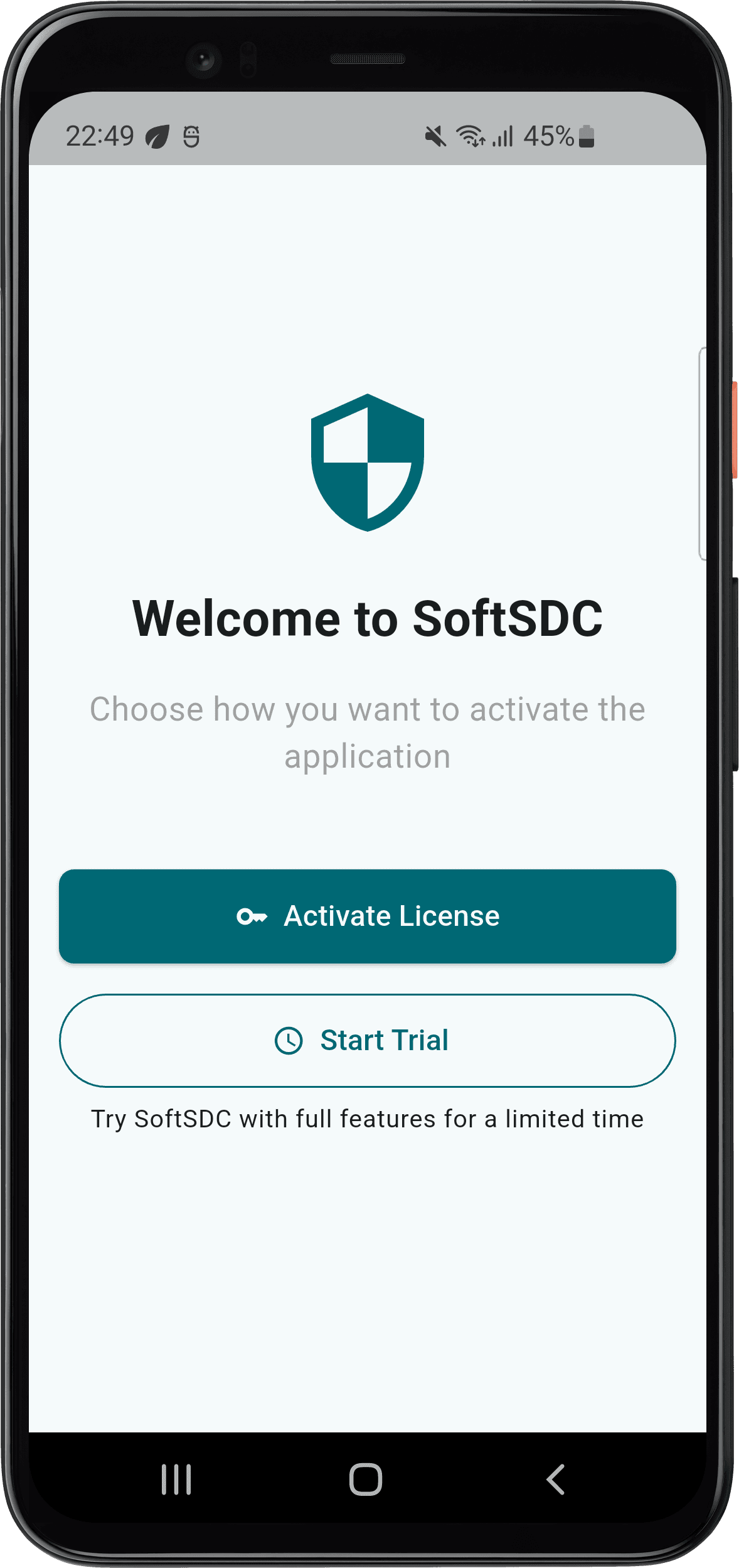
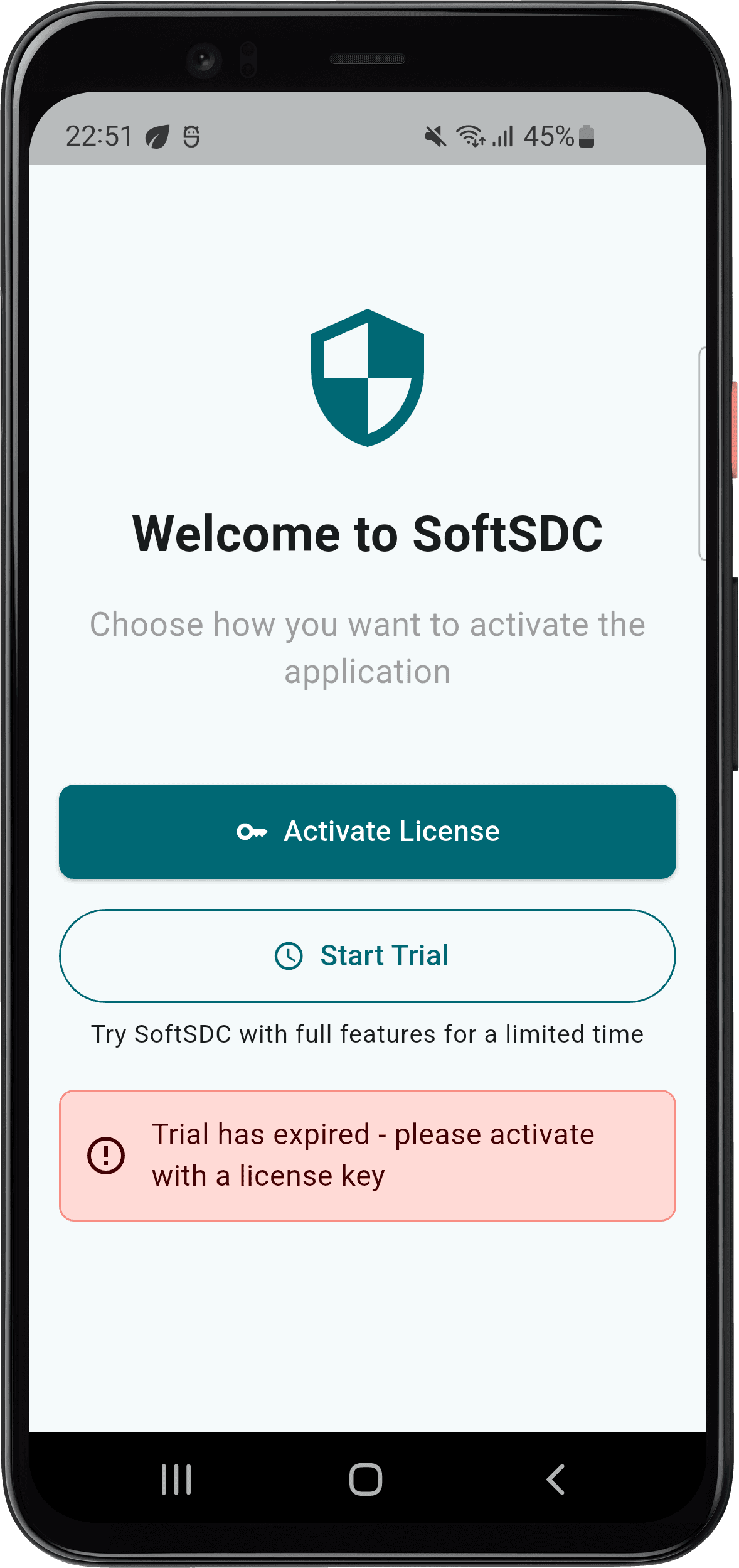
The trial is locked to your device. Reinstalling or reformatting does not reset it.
The trial cannot be extended
Because of regulatory and security rules for fiscal documents, the 7-day limit is strict. When the trial ends, activate a license to keep issuing invoices.
Buy a license
Use one email address
Use the same email address, ideally your business email, for your SoftSDC account and for payment. This keeps your licenses and receipts together.
Activate your license
You need an internet connection and a license key from the SoftSDC site or an authorized reseller.
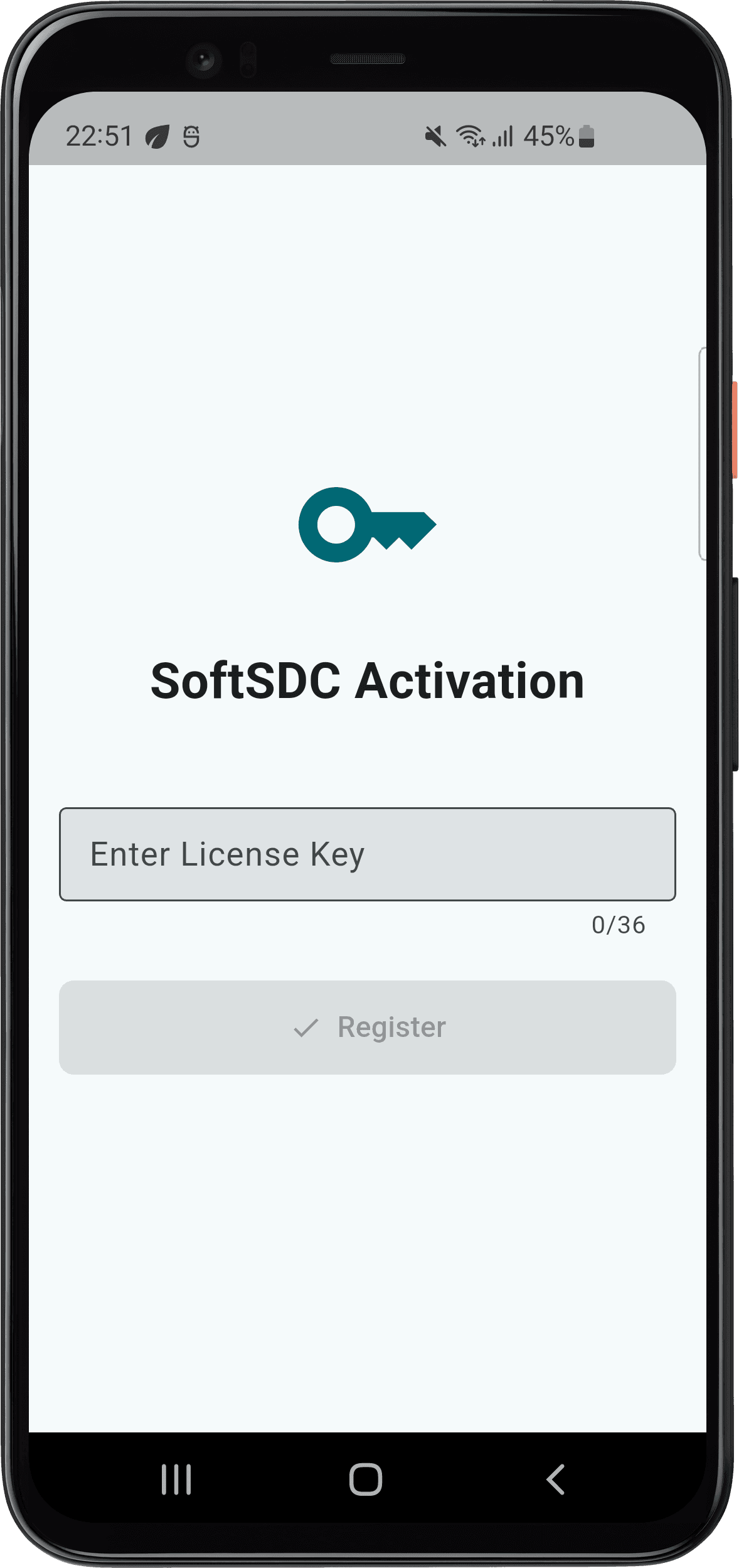
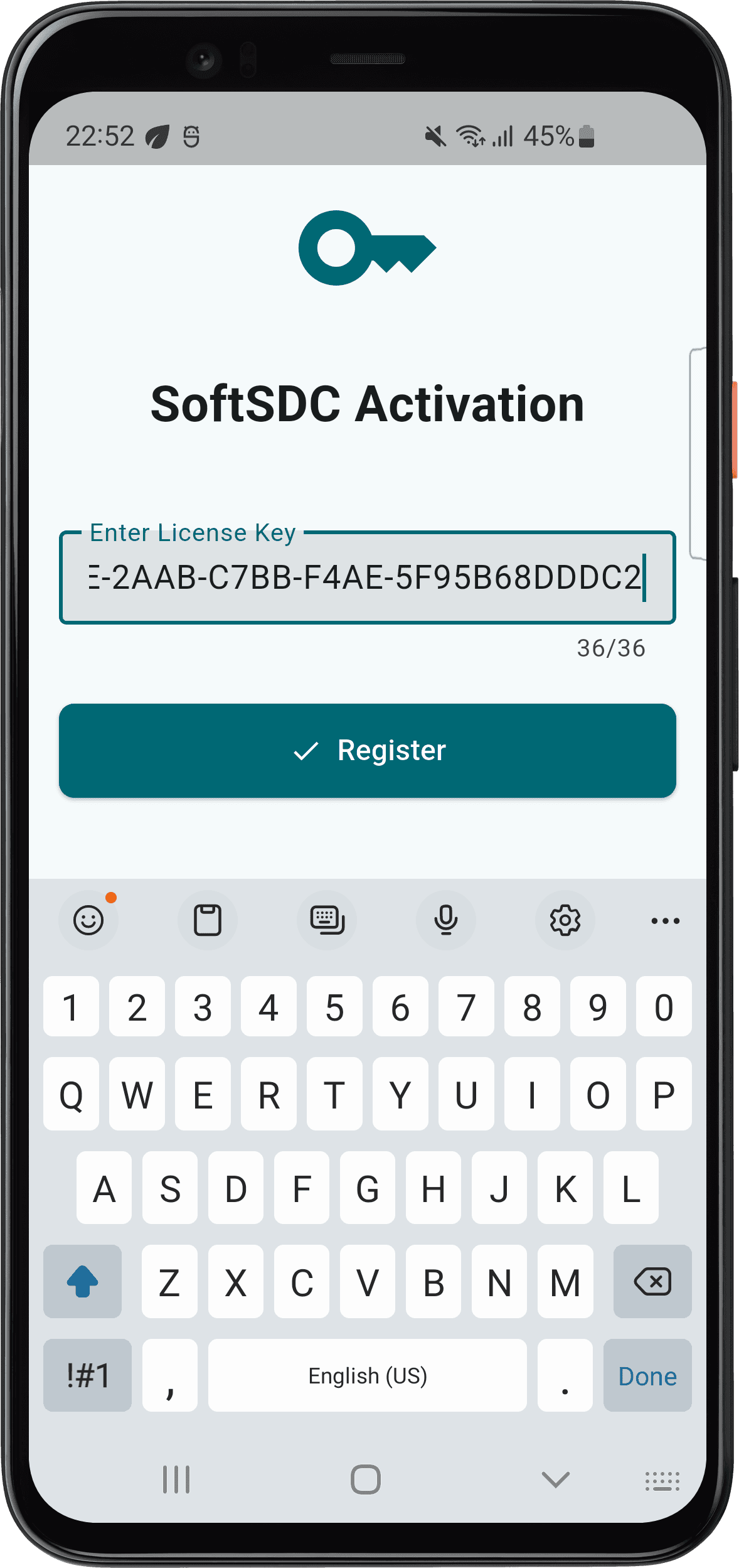
During activation, SoftSDC checks that the license is genuine and links it to your device. It needs to reach the Cryptlex license servers, so check your firewall settings if it fails.
Check your license status
Open the About screen (the info icon in the bottom bar). The License card shows:
- Status, for example Valid
- Serial number (partly hidden)
- License valid until
- Activation date
See About screen for more.
Renew your license
You can renew at any time before your license expires. We recommend renewing 30 days before the expiry date, so SoftSDC does not stop working.
If you renew early, the new term is added to the time you have left. You do not lose any days.
Renewal costs the same as a new license for the same term, and support continues for the new term.
Move a license to another device
Licenses are locked to one device and cannot be moved by yourself.
Before you retire the old device, make sure all its invoices have been sent to the Tax Authority. See exiting and uninstalling.
Reinstall SoftSDC
Uninstalling keeps your license data, configuration and fiscal data on the device. After you reinstall on the same device, activate again with your license key. If activation is refused, contact support.
Keep your license key private
Share your license key only with SoftSDC support, through a ticket or email. Never post it in a public place.
Activation problems
More help is in troubleshooting and the licensing FAQ. If you need someone on site, contact a local partner.
Installation
Download and install SoftSDC on Windows or Android, set up your smart card reader and firewall, and check that the service and API are running.
Using SoftSDC
The SoftSDC user guide for cashiers and business owners. Learn the home screen, actions menu, notifications, settings and daily routine.