About screen
The SoftSDC About screen shows your app version, license status and expiry, card readers and device details. Use it when you contact support.
The About screen shows details about your SoftSDC installation. Open it from the info icon in the bottom bar.
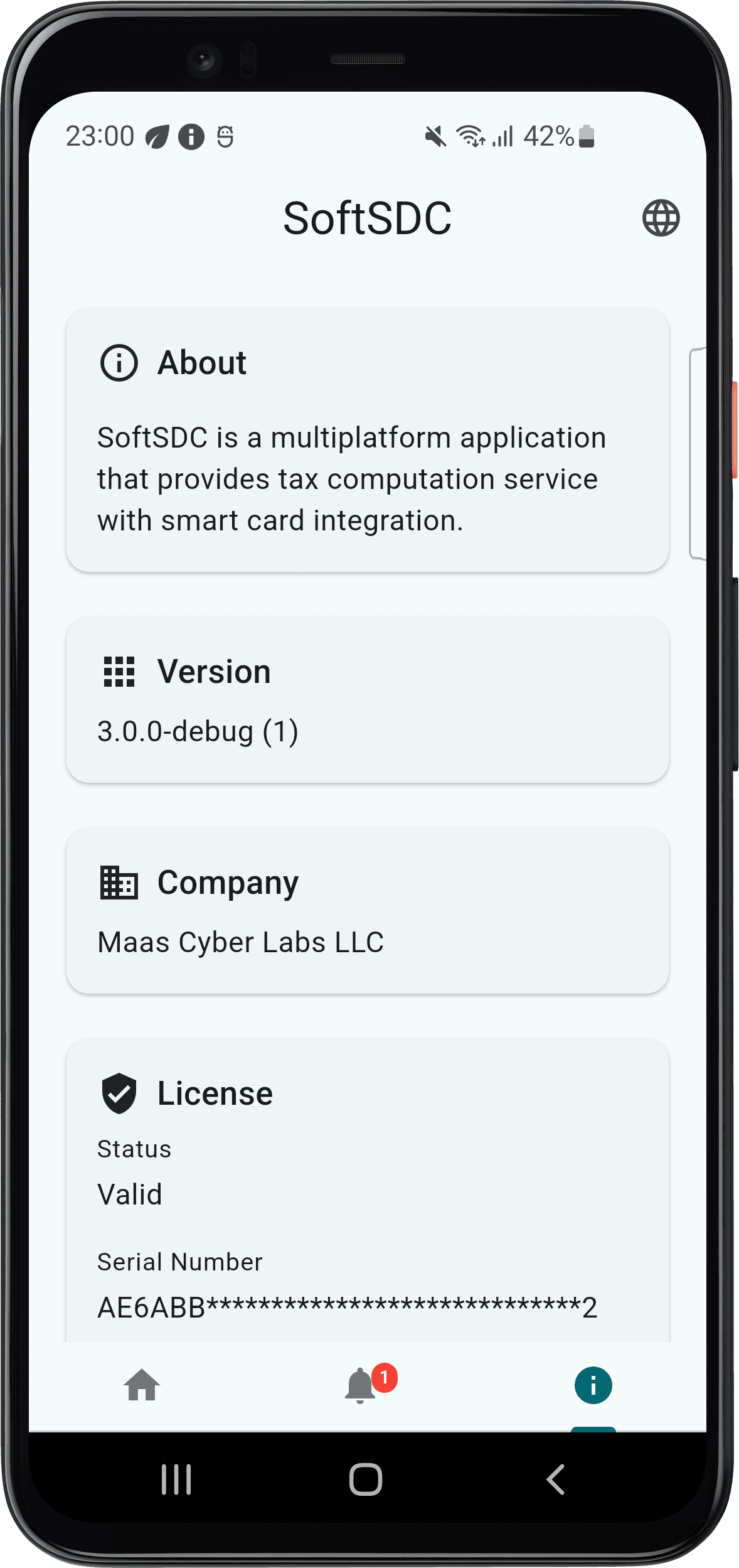
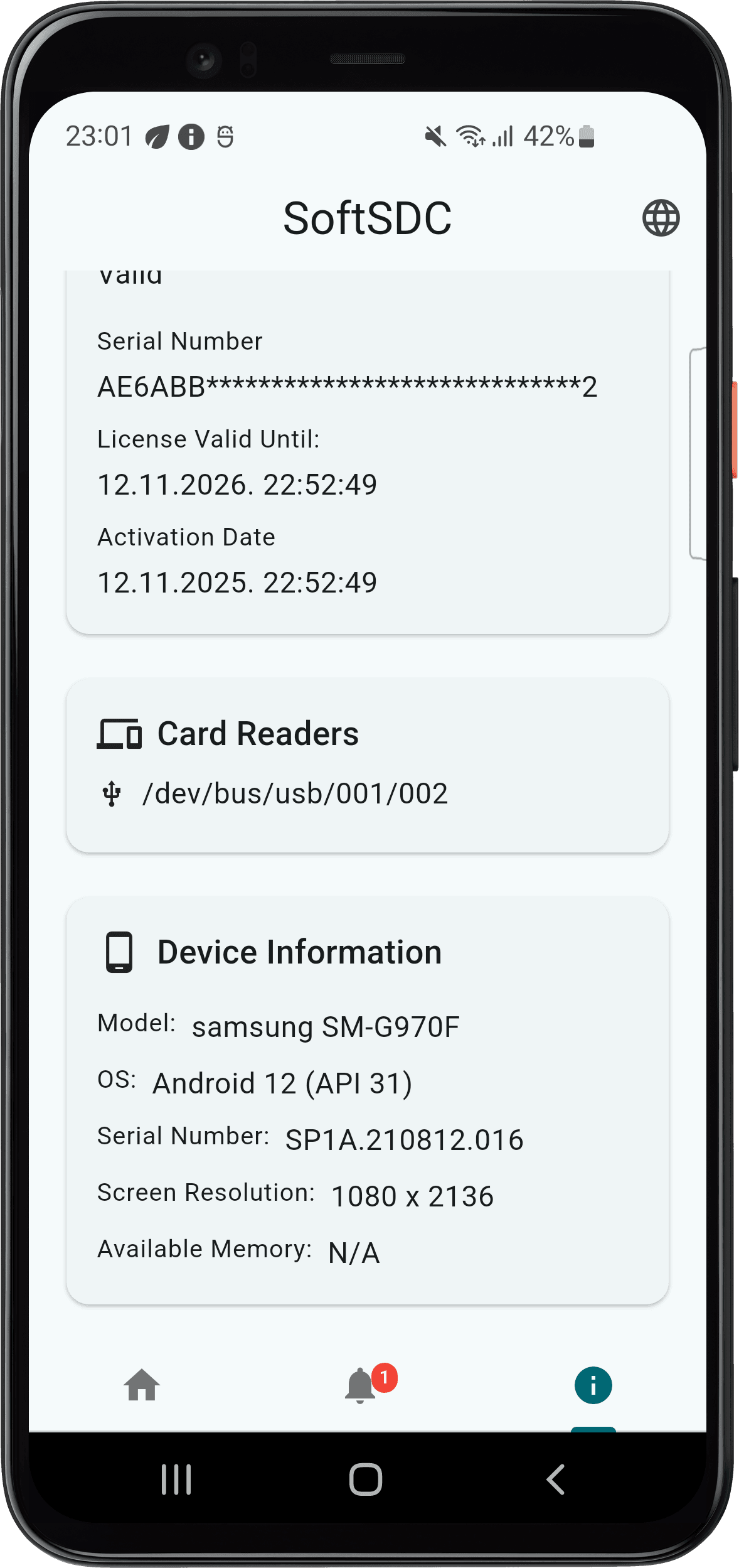
What it shows
| Card | Details |
|---|---|
| About | A short description of SoftSDC |
| Version | The app version and build number |
| Company | The publisher, Maas Cyber Labs LLC |
| License | Status (for example Valid), serial number (partly hidden), valid until date, activation date |
| Card readers | The card readers SoftSDC can see |
| Device information | Model, operating system, serial number, screen resolution, available memory |
When to use it
- Contacting support. It has the details support needs. See support.
- Checking your version after an update.
- Checking your license status and expiry date. See licensing.
- Checking the reader when SoftSDC does not detect it.
The details update after app updates and license changes.
Settings
Configure SoftSDC settings, including card reader selection, refresh rate, logging, API port, timeouts, language, theme and advanced options.
Exiting and uninstalling
Close SoftSDC safely, stop the background service, uninstall on Windows or Android, remove leftover data and reinstall without losing data.